Show notifications from sites and apps
Sites and apps can show you notifications about important and interesting events. For example, you can receive notifications about new emails and messages, flight delays, or online store sales.
Warning
Sometimes, sites send too many notifications and can become annoying. Some can even be malicious, so you should only allow notifications from sites and apps you trust.
The browser asks you for permission to display notifications from every site.
Allow or block notifications when you see the request. If you change your mind, you can change the display settings:
On an Android device
You can block site notifications in your browser's settings or your device's settings. System settings have higher priority: notifications blocked there won't appear even if they are allowed in the browser.
- Browser settings
- Yandex Browser
Google Chrome
Mozilla Firefox
Opera - System settings
- See Control notifications on Android.
On an iOS device
You can't set up notifications for individual sites. You can only block notifications for all of them.
Whether an app shows notifications usually depends on the app's own settings.
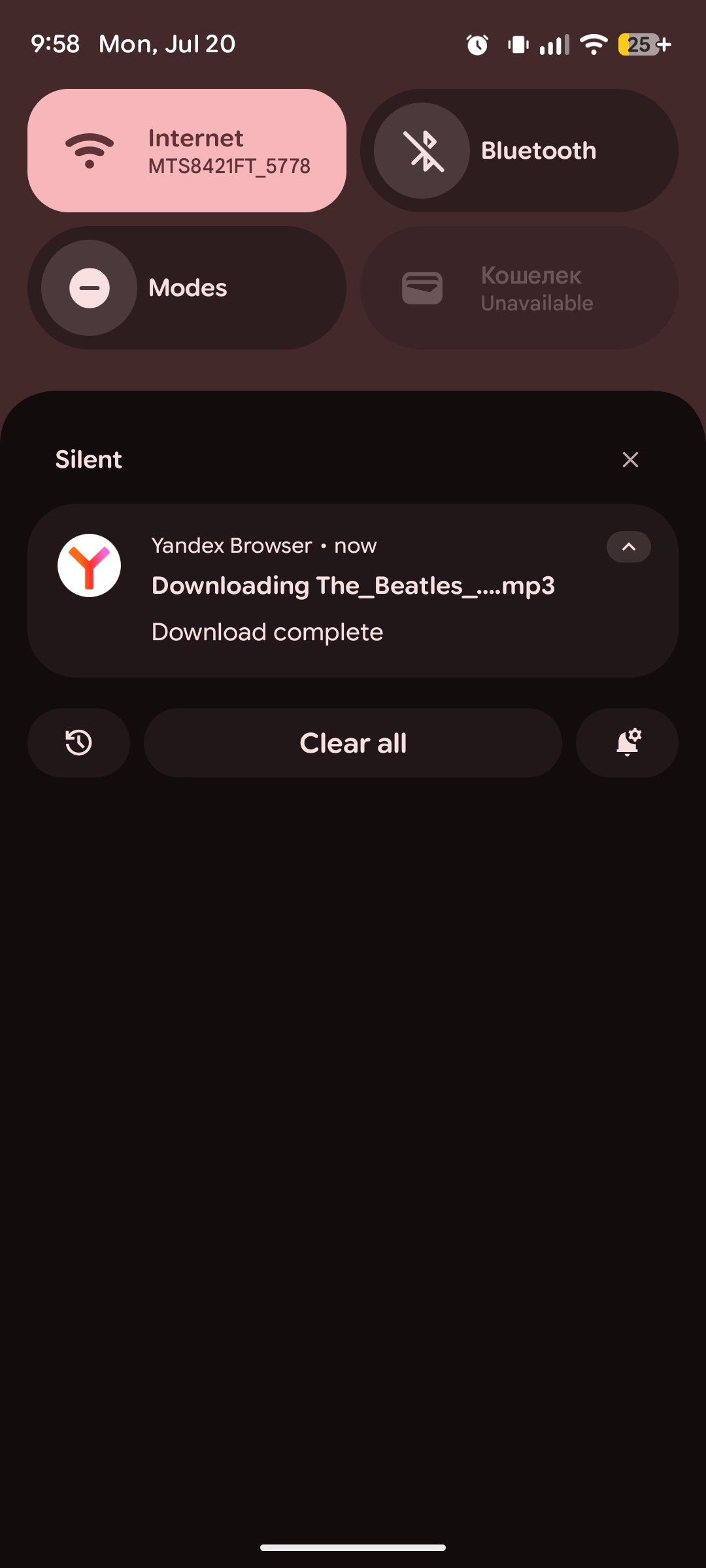
You can turn off notifications for any app:
On an Android device
-
On your device, go to Settings → App permissions.
-
Select the app you want and turn off Show notifications.
On an iOS device
-
On your device, go to Settings → Notifications.
-
Select the notification and turn off Allow notifications.