"Placements" report
This report breaks down statistics by platforms that served your ads. You can find it under Report library → Placement optimization. Navigating from the library will open a report on all your campaigns served in the Yandex Advertising Network.
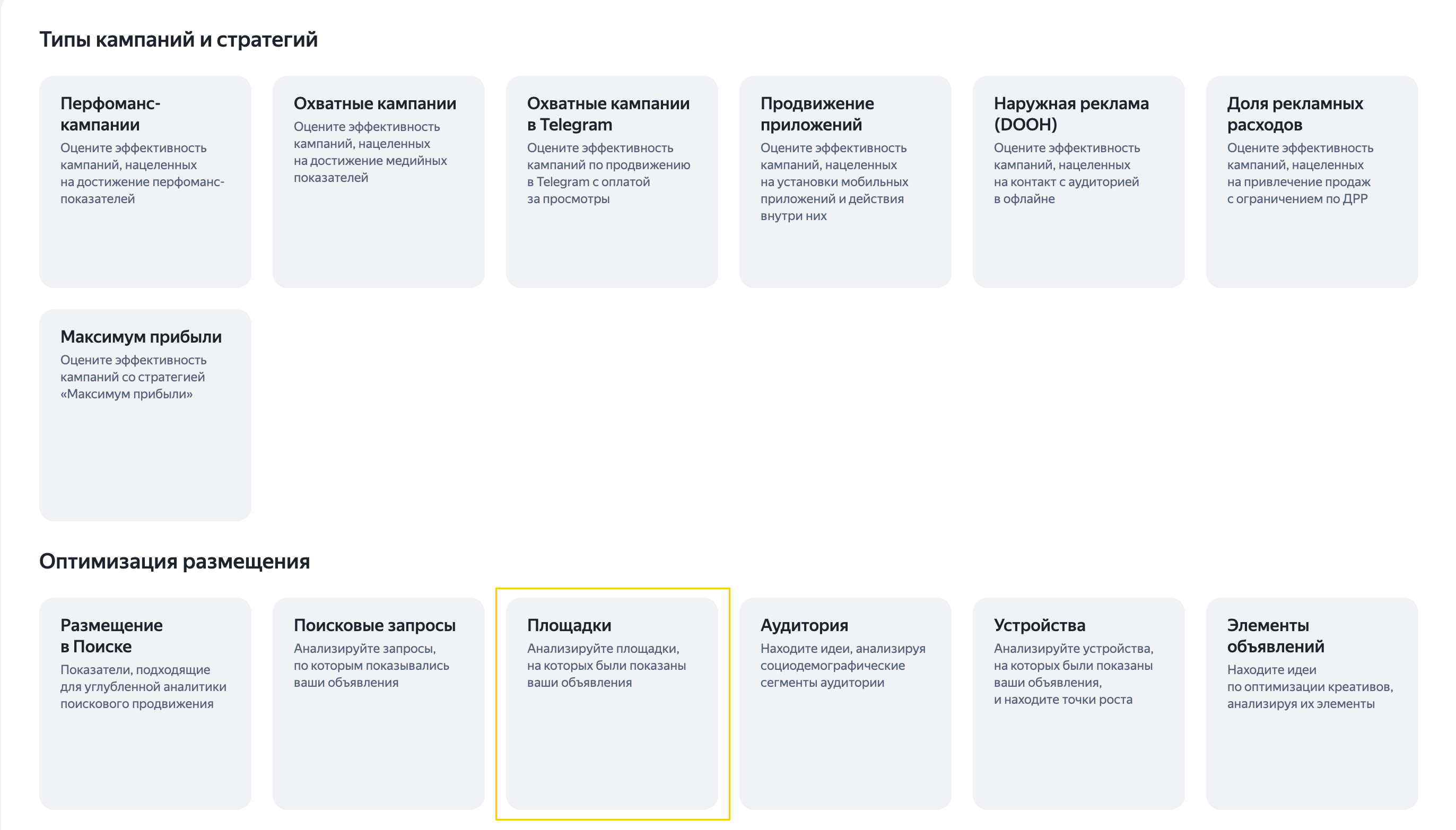
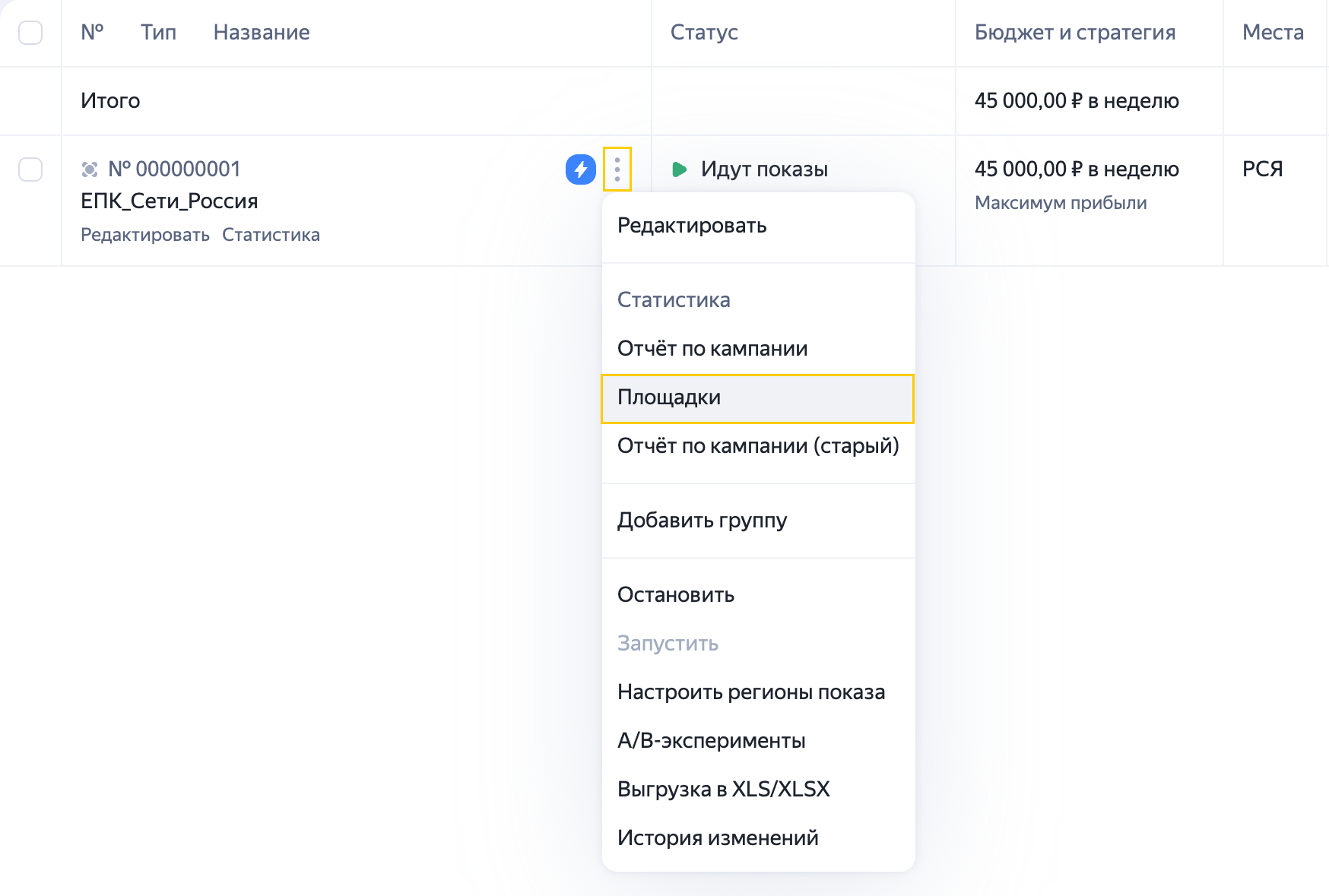
To get a report on a specific campaign, open it from the list of campaigns. To do this, click the next to the campaign name and select Placements. This option is available only for campaigns served in the Yandex Advertising Network.
You'll be taken to the report page that shows data only for the selected campaign.

You can also open it from any other report using the navigation panel.
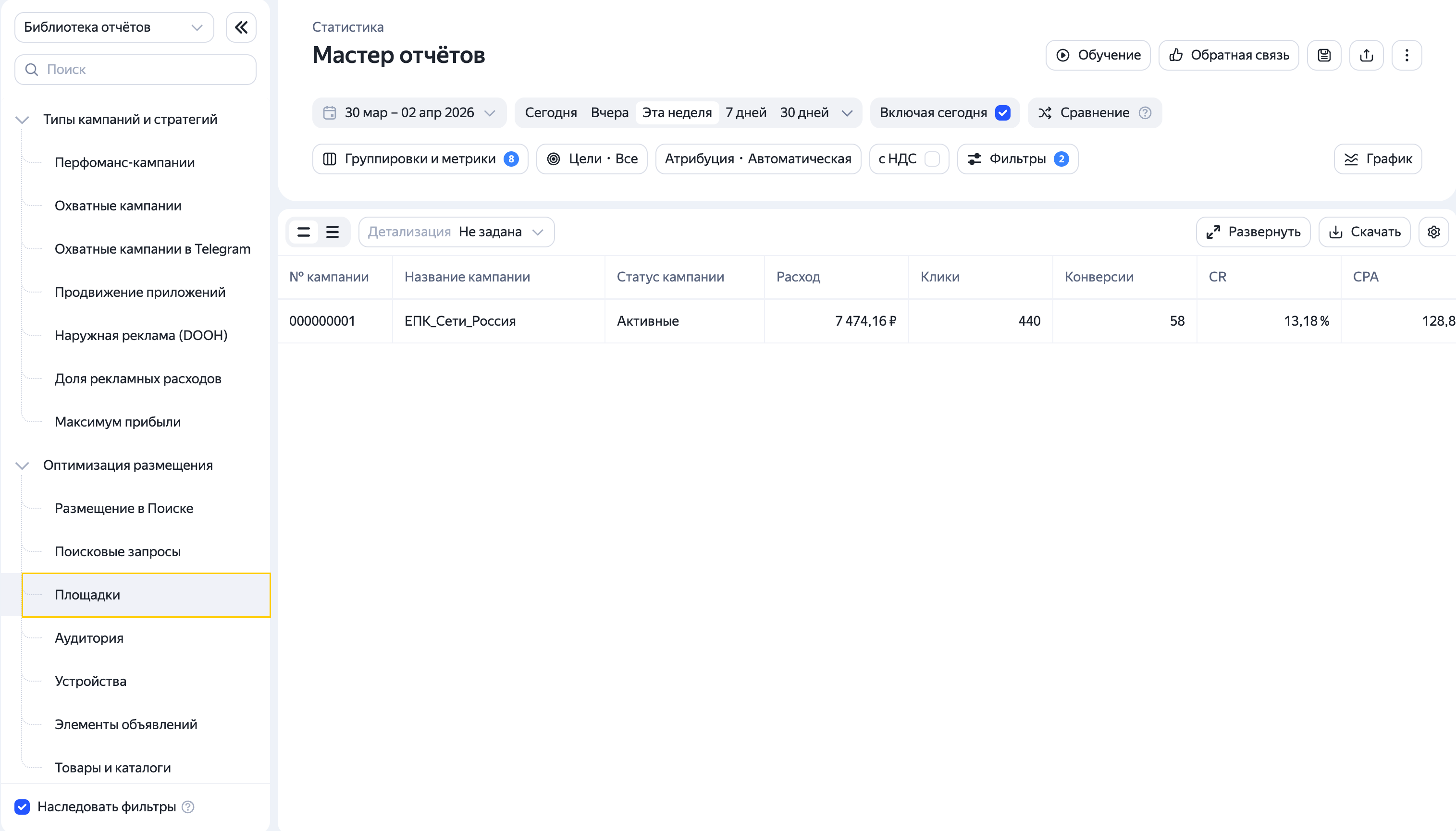
If the Inherit filters option is enabled, all currently active filters will carry over when you navigate to a new report.
Report settings
By default, the report includes basic dimensions, metrics, and filters, using the goals and attribution settings specified in the campaign.
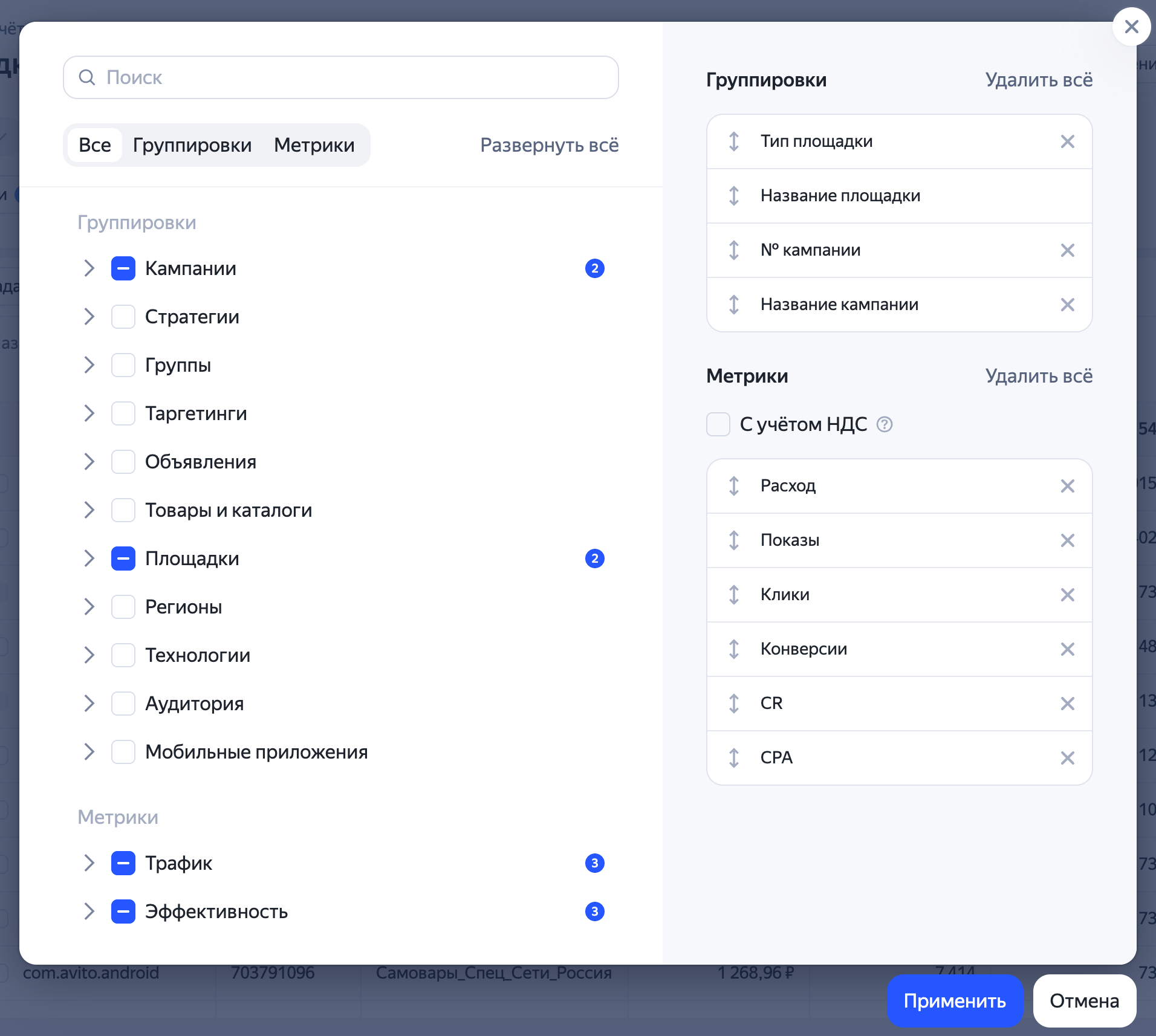
If needed, you can adjust these settings and add your preferred dimensions and metrics. For online stores, for example, it's critical to analyze ad performance beyond conversions and CPA, so they look at revenue, CRR, ROI, and profit. You can add these metrics to your report.
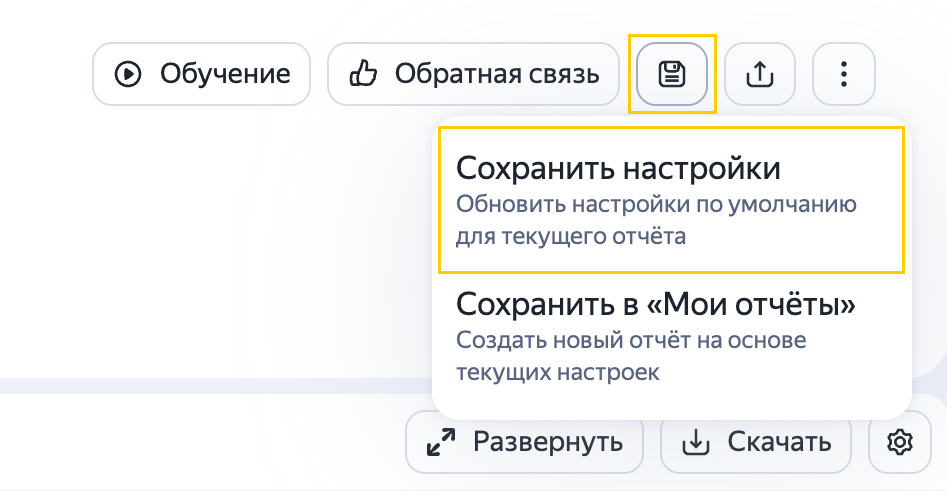
If you want to apply your settings every time you open the report, save them. To do this, in the upper-right corner, click → Save settings.
Managing reports
Set the report period in the settings. Add any required dimensions and metrics missing from the report. Specify the goals to use when analyzing the platform and change the attribution model if necessary.
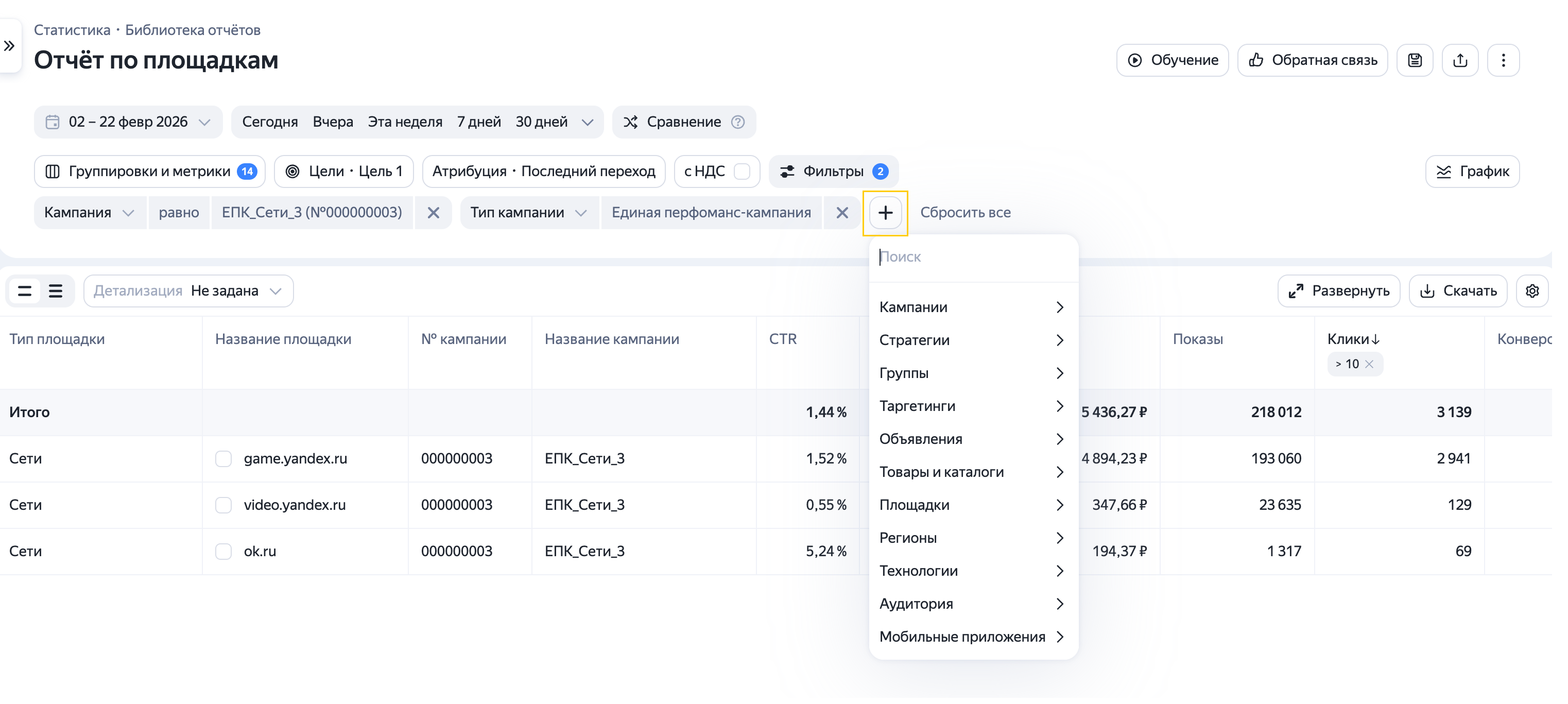
You can filter report data by dimensions and metrics.
Dimension filters are available in the report settings. Learn more about filters
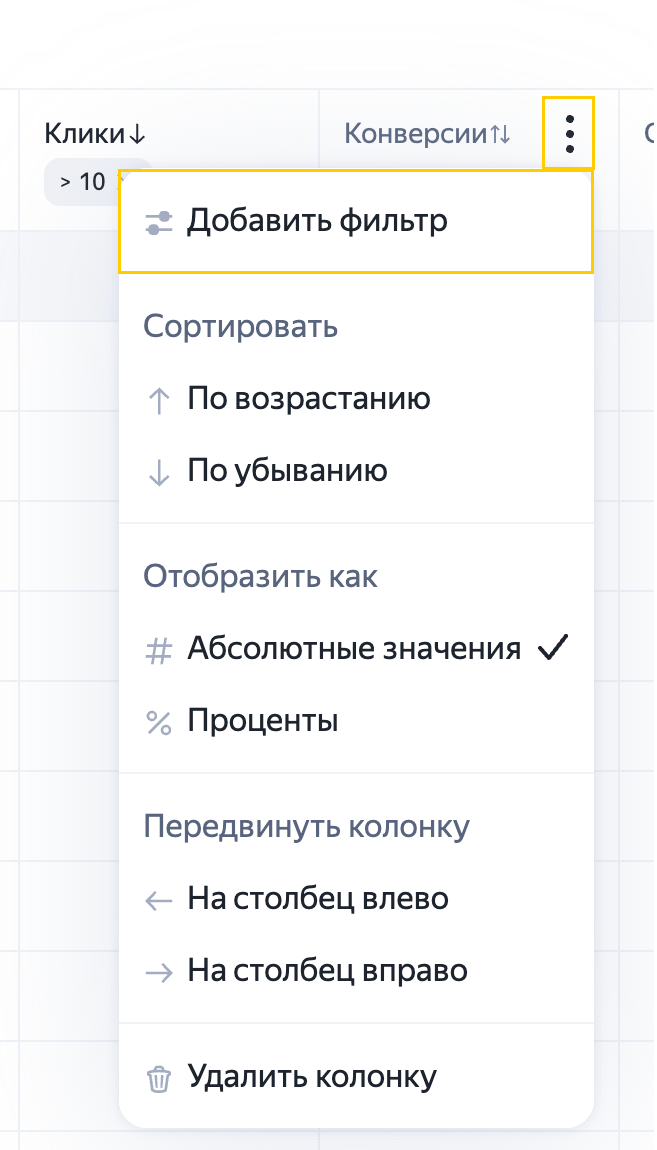
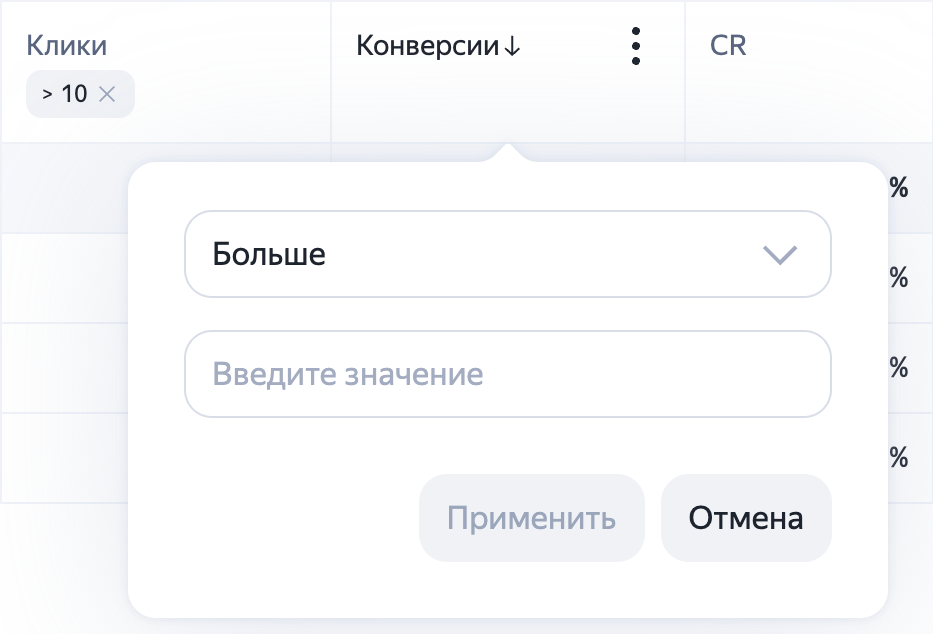
To filter your data by specific metrics, such as to view only platforms with more than 10 conversions, use the column filter. In the column name, click the , select Add filter, and specify your criteria.
You can also analyze performance based on your specific marketing objectives. For example, you can evaluate how well a particular platform delivers on your business goals and KPIs.
Managing impressions on Yandex Advertising Network platforms
In addition to viewing platform analytics, reports allow you to directly control your impressions by enabling or disabling them on specific platforms. Names of already disabled platforms appear grayed out in the report.
Tip
Make decisions about disabling ads on specific platforms based on statistically significant data.
We recommend enabling ads on previously disabled platforms to test them and drive more traffic and conversions.
Select platforms and specify whether to disable or enable impressions on them.
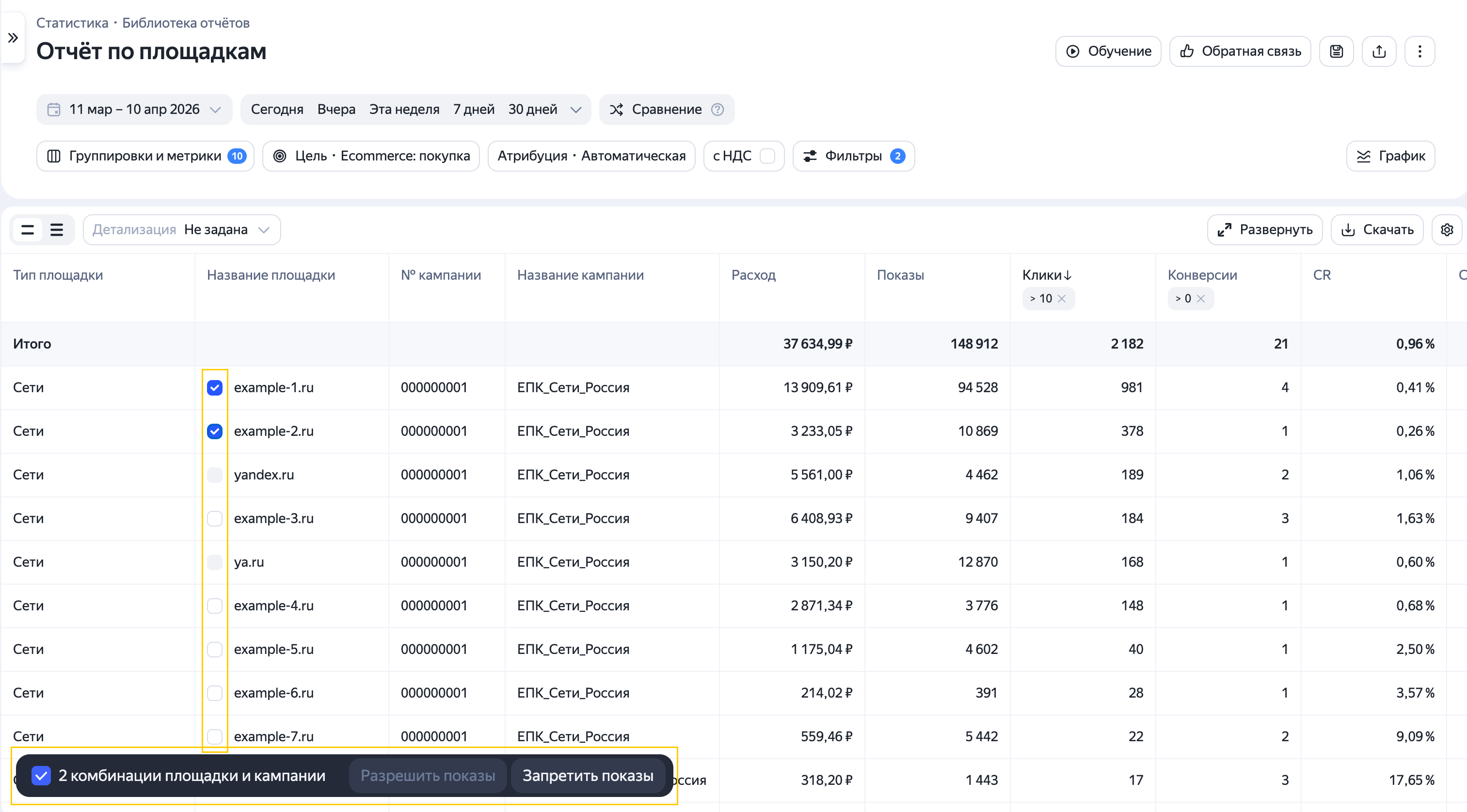
You can manage impressions for multiple campaigns within a single report.
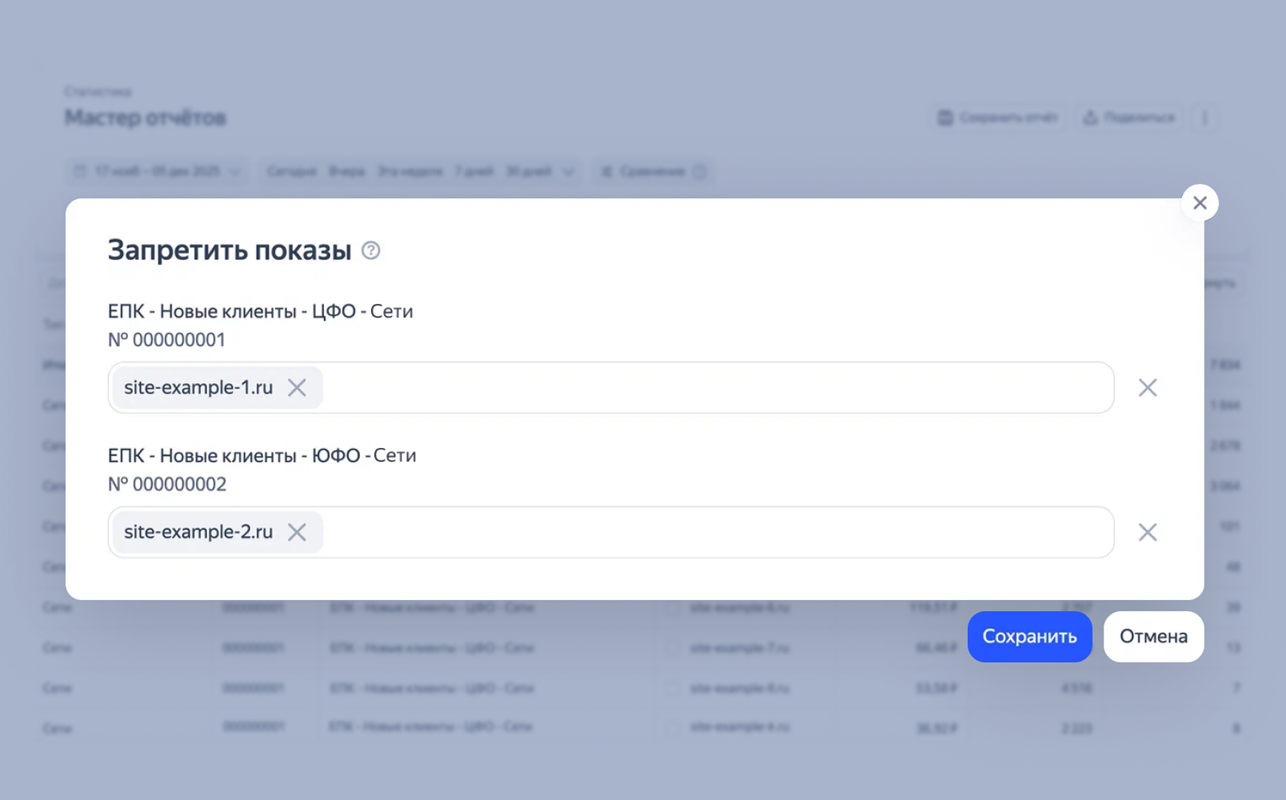
Click Save.
You can manage your ad impressions on various platforms in the Report Wizard using the Platform name dimension. For more information, see Help