Sütunların hareketi
Sütunların sırasını değiştirmek için sadece Gruplamalar ve metrik ayarları kullanarak değil, aynı zamanda sütun menüsünden de yapabilirsiniz. Bir tıklama ile sütunu sağa veya sola hareket ettirebilirsiniz.
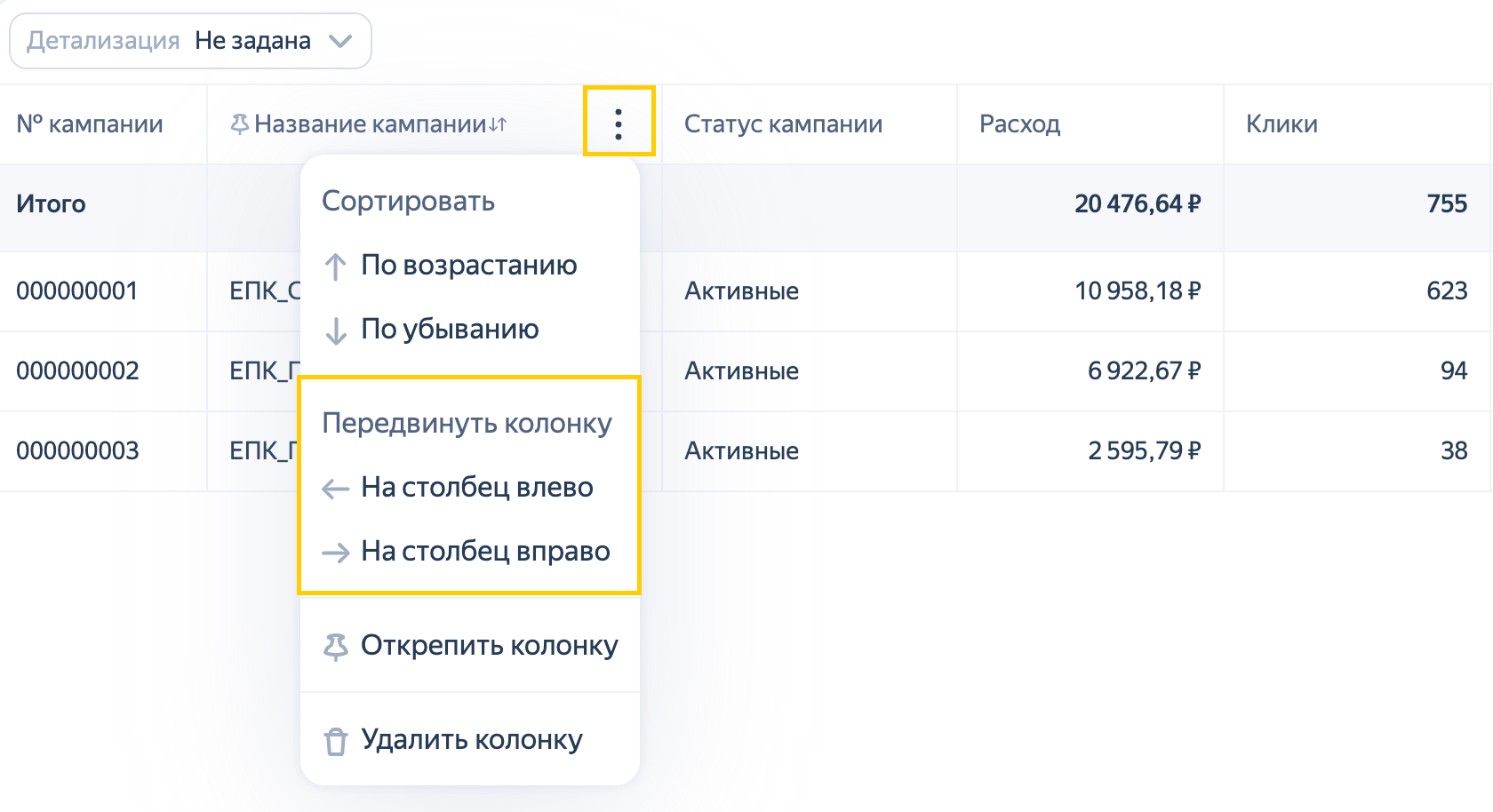
Sütun taşıma işlevi gruplamalar ve metrikler içinde ayrıca çalışır — örneğin, bir gruplama sütununu bir metrik sütununun arkasına taşıyamazsınız. Bu durumda sistem, sütunun sadece sola hareket ettirilebileceğini gösterecektir.
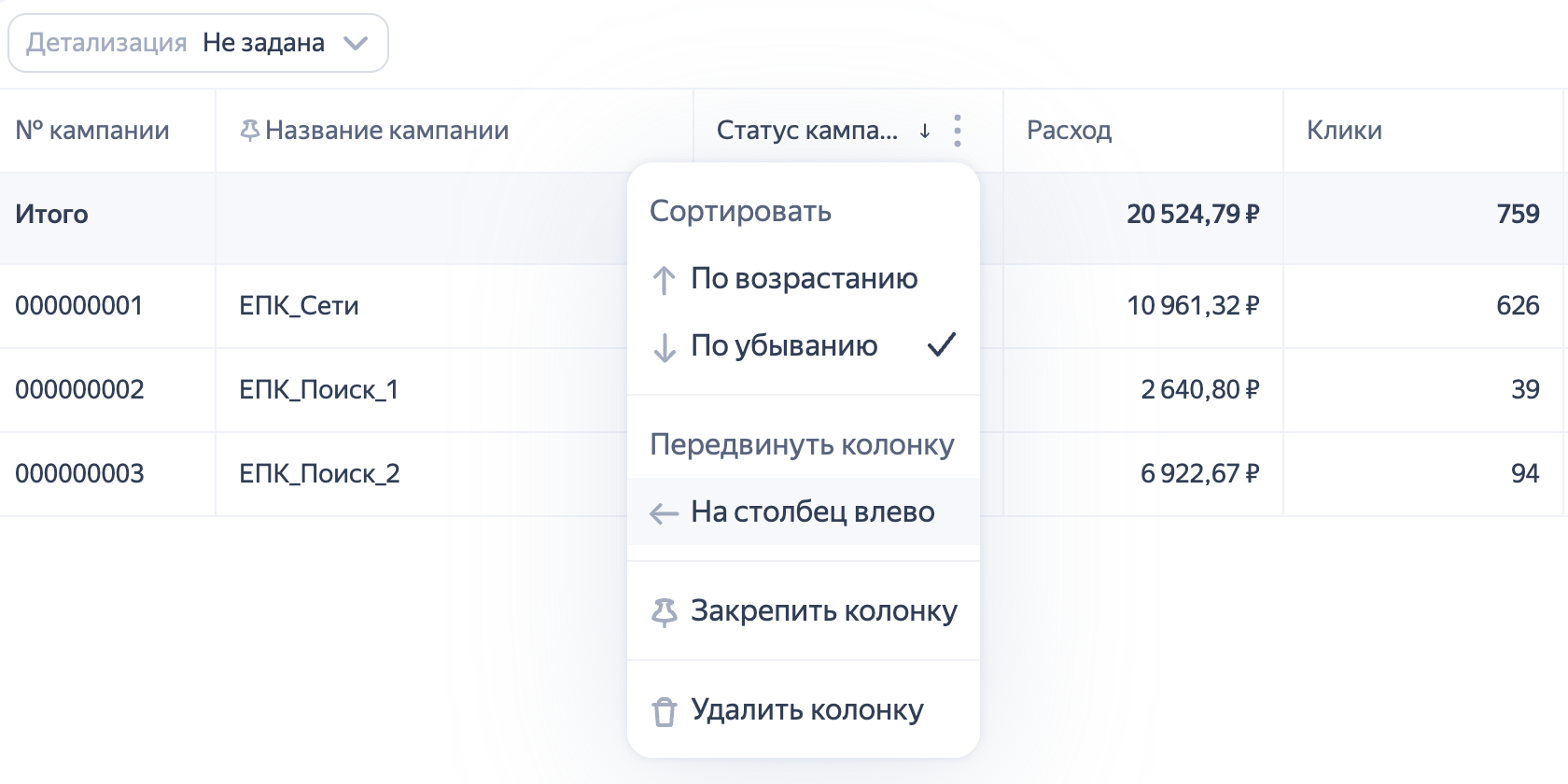
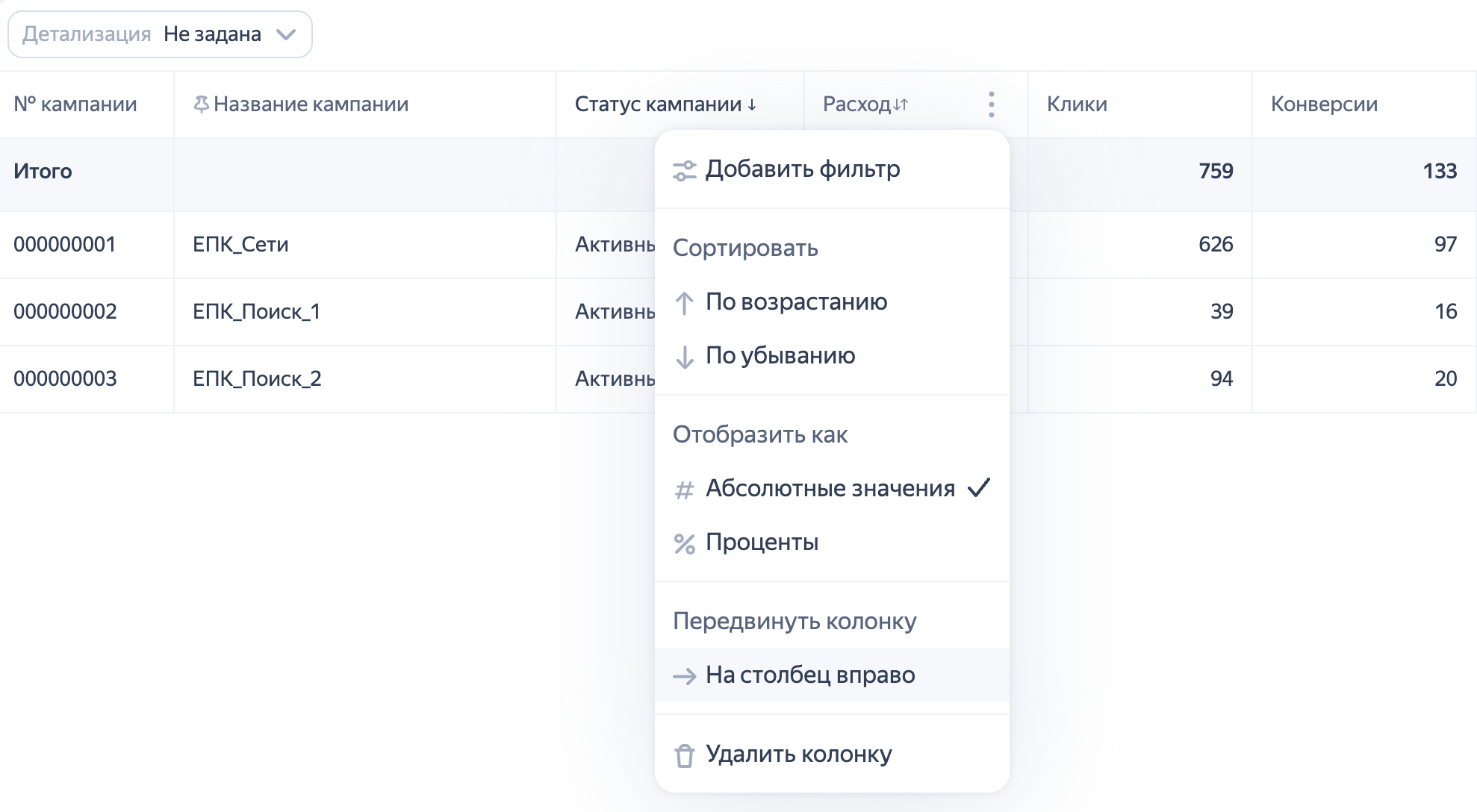
Aynı şekilde, metrik içeren bir sütunu gruplandırma eren bir sütunun önüne yerleştiremezsiniz.
Başka sorunuz var mı?
Dikkat
Müşteri Hizmetleri uzmanı, siz hangi kullanıcı adından iletişime geçtiyseniz yalnızca o kullanıcı adından başlatılmış olan kampanyalarla ilgili danışmanlık verebilir. Kullanıcı adı, ya.ru’yu komşu tarayıcı sekmesinde açarsanız görülebilir. Uzman, verilerinize yalnızca talebi işlerken erişebilecektir.
QR kodunu tarayın veya bağlantıya gitmek için koda tıklayın.